
Cloak: keep private windows out of screen share
Cloak is a Windows tray app that keeps selected windows visible locally while excluding them from supported screen capture.

Screen sharing has a small but persistent problem: the window you need on your own monitor is often the window everyone else should not see. A chat thread, a customer record, an internal note, a password manager, a terminal with a token in it - none of these are dramatic on their own, but they are exactly the kind of accidental exposure that turns a normal call into cleanup work.
Cloak is a Windows tray app for that gap. It lets you keep selected windows visible locally while asking supported screen-capture paths to leave those windows out. The goal is not to create a movie-style invisibility cloak. The goal is more practical: when you are presenting, recording, or sharing a screen through software that honors Windows display affinity, Cloak gives individual windows a privacy boundary without forcing you to close them, move them to another desktop, or rearrange your workspace.
How it feels to use
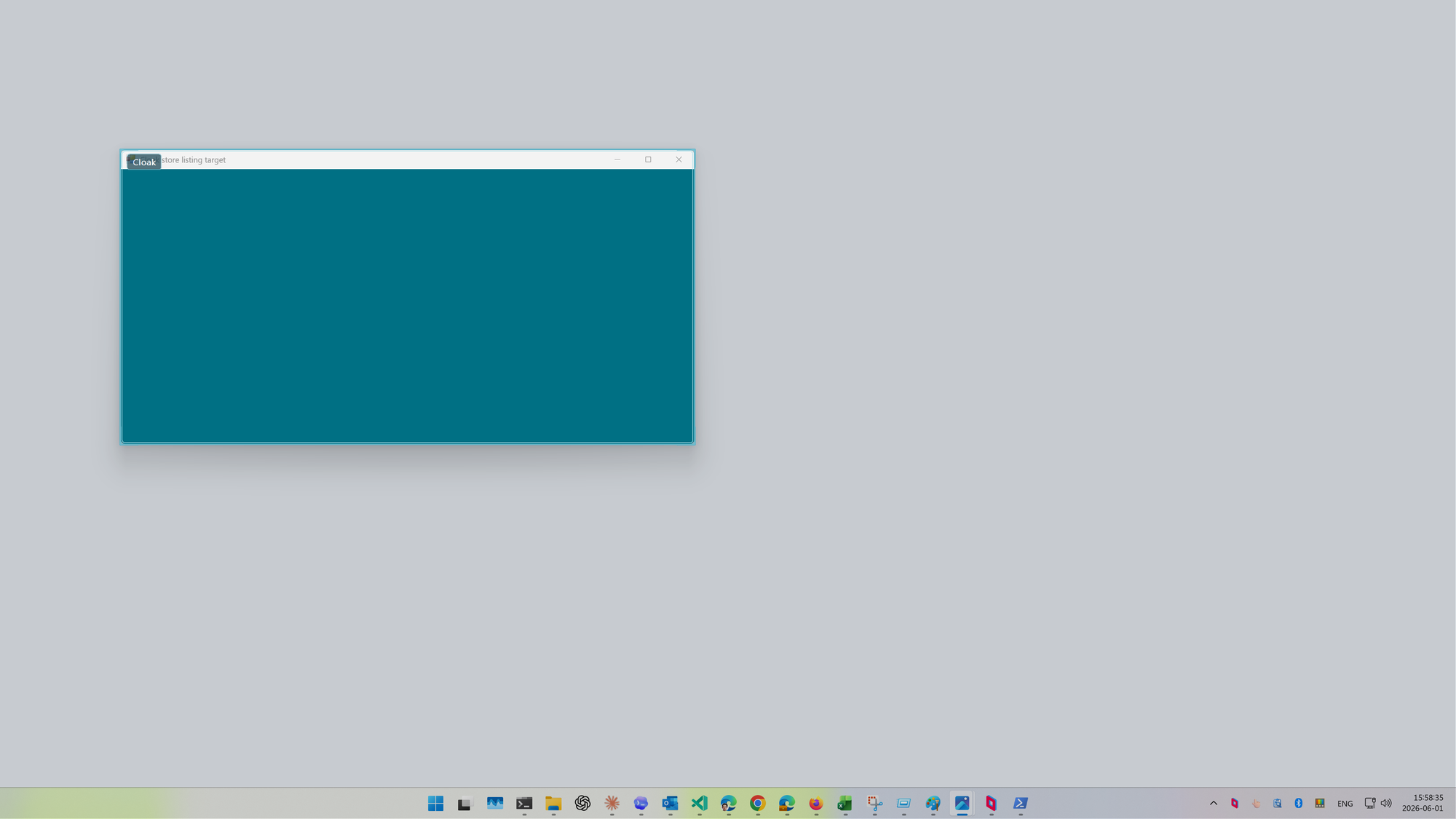
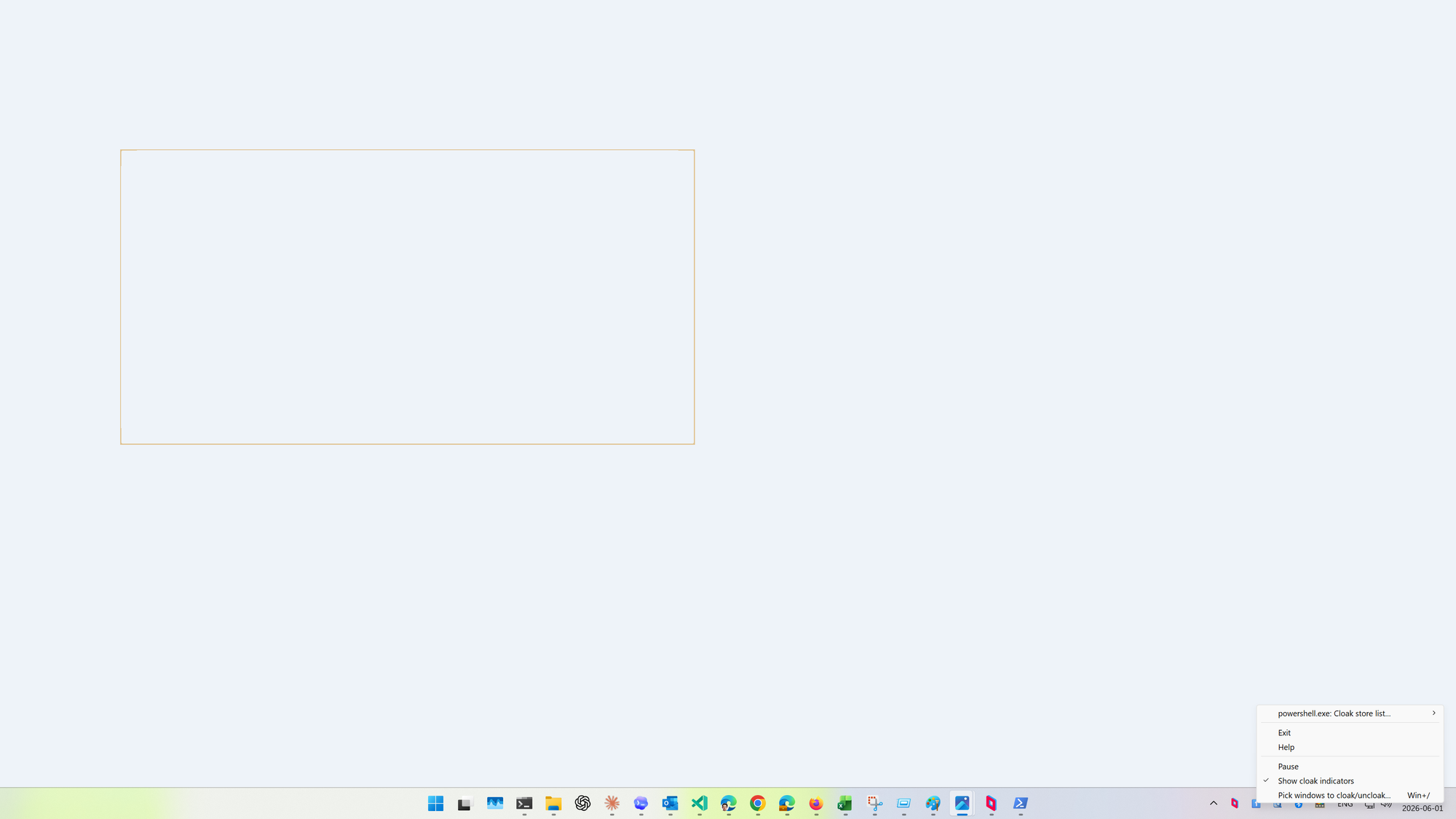
Cloak lives in the notification area. Press Win+/, or choose Pick windows to cloak/uncloak... from the tray menu, and Cloak enters picker mode. Click a top-level app window and Cloak toggles it. Press Win+' and it toggles the foreground window without entering picker mode. The selected window stays on your monitor. In supported capture paths, it is excluded.
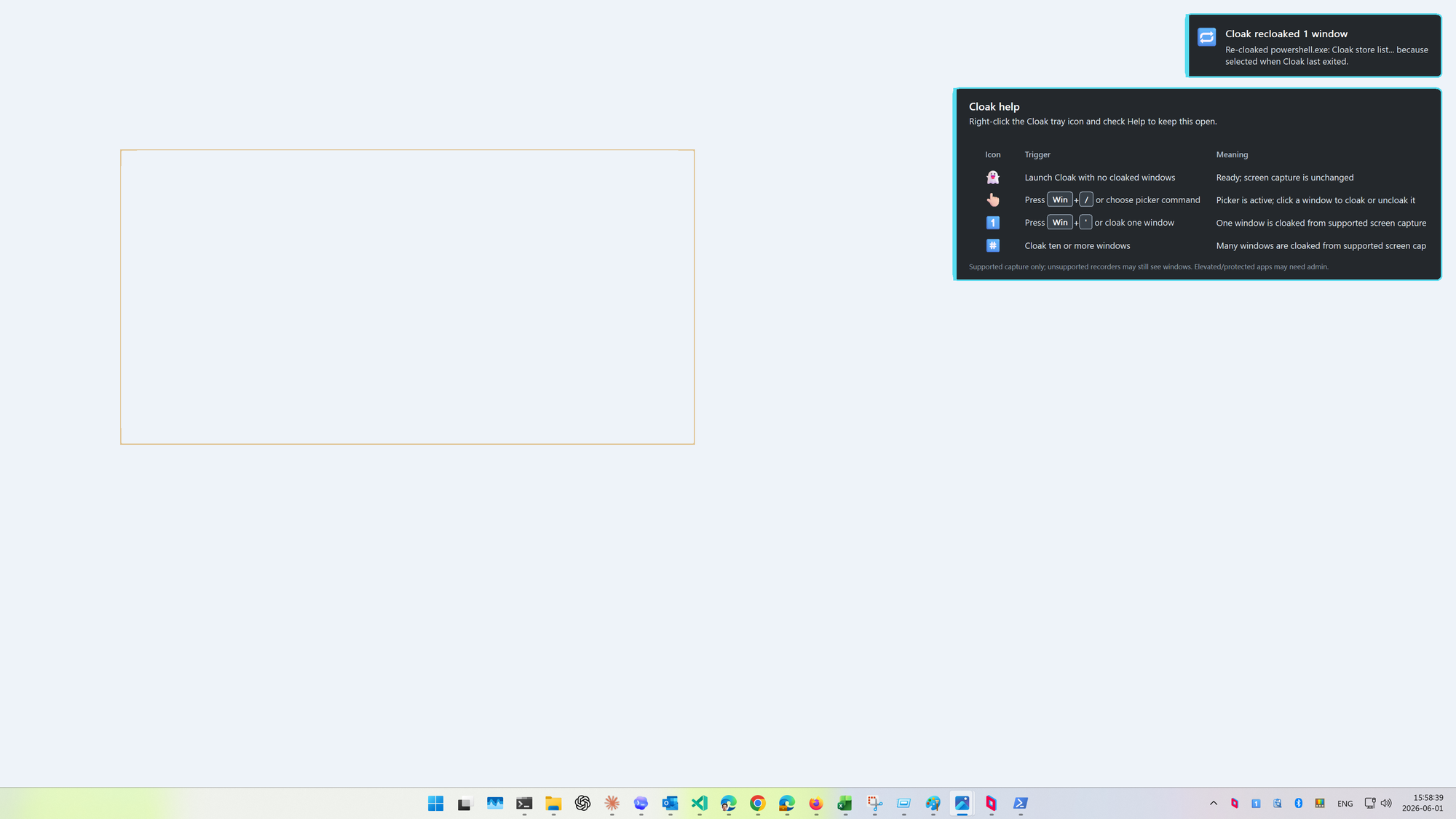
The app keeps the loop visible. Tray icons show whether Cloak is idle, picking, or tracking one or more cloaked windows. Local indicators can outline selected windows so you do not forget what is hidden from capture. A screen-capture preview window lets you check what a capture source can see before trusting the setup on a call. Pause and resume are available from the tray when you want to temporarily make selected windows capturable again without losing the saved set.
The Windows mechanism
The core primitive is Windows display affinity. Cloak applies WDA_EXCLUDEFROMCAPTURE to selected top-level windows, using GetWindowDisplayAffinity and SetWindowDisplayAffinity. That distinction matters. Cloak is cooperating with Windows and with capture tools that respect this API. It is not a DRM system, not a defense against every possible capture technique, and not a promise that hostile or unsupported software cannot see a window.
That limited claim is also the useful one. Most accidental leakage happens through ordinary, supported presentation and recording paths. Cloak is designed for that daily case: the human who wants a local reference window open while sharing the rest of the screen.
Why there are helper DLLs
One awkward detail is that SetWindowDisplayAffinity is a window-owner operation. A controller app cannot simply point at any arbitrary process and change its top-level window from the outside. Cloak handles that by running helper code in the target process long enough to apply or restore affinity, and to coordinate the DWM preview and indicator behavior that makes the state understandable.
The release does not ask users to manage sidecar helper DLLs. Each Cloak executable embeds x86, x64, and ARM64 helper DLL blobs. At build time, the helper DLLs are signed, packed with the Windows Compression API, and embedded as resources. At runtime, Cloak extracts the matching helper internally and uses the right architecture for the selected window. When a target app is 32-bit, 64-bit, or ARM64, Cloak delegates to the matching signed Cloak executable instead of pretending one process architecture can do everything safely.
This is also why the packaging and verification work is part of the product, not an afterthought. Delegate executables are Authenticode-verified. IPC between delegates carries authentication material. Helper extraction uses unique temporary files and atomic publication. Test-only command surfaces are kept out of normal release builds. A privacy utility should be boring in the places where trust is involved.
The small native details
The visible layer is deliberately plain Win32: tray menu, hotkeys, layered notifications, DPI-aware overlays, and a compact help toast. Cloak remembers selected window identities in the user profile, uncloaks active windows on normal exit, and re-cloaks matching saved windows on the next launch with a notification. If a target is elevated, protected, closed, cross-session, or otherwise not safely injectable, Cloak reports the failure rather than saving a false selection.
The DWM work is mostly about making capture exclusion legible. Cloaked windows can have local indicators while remaining capture-excluded. The preview path uses Windows Graphics Capture where available, and the helper can render a curtain-style preview so selected windows do not leave confusing holes in the mental model. The point is not decoration; it is to make the safety state visible to the person who has to rely on it.
Get Cloak
Cloak is available from the Microsoft Store: open the web listing or open it directly in the Microsoft Store app.
What to remember
Cloak is a practical boundary for supported Windows screen capture. It is useful precisely because it leaves your workspace intact: pick the windows, keep working, and let the capture path omit them. It is also honest about its limits. If a capture tool ignores Windows display affinity, Cloak cannot force it to comply.
For meetings, recordings, support calls, and demos where the capture stack does respect the platform, that is enough to remove a lot of awkward screen-share choreography. You should not have to close the window you need just to keep it out of the window everyone else sees.